
Organization
Every pipeline, agent, and API key belongs to an organization — manage its name and membership from one place.
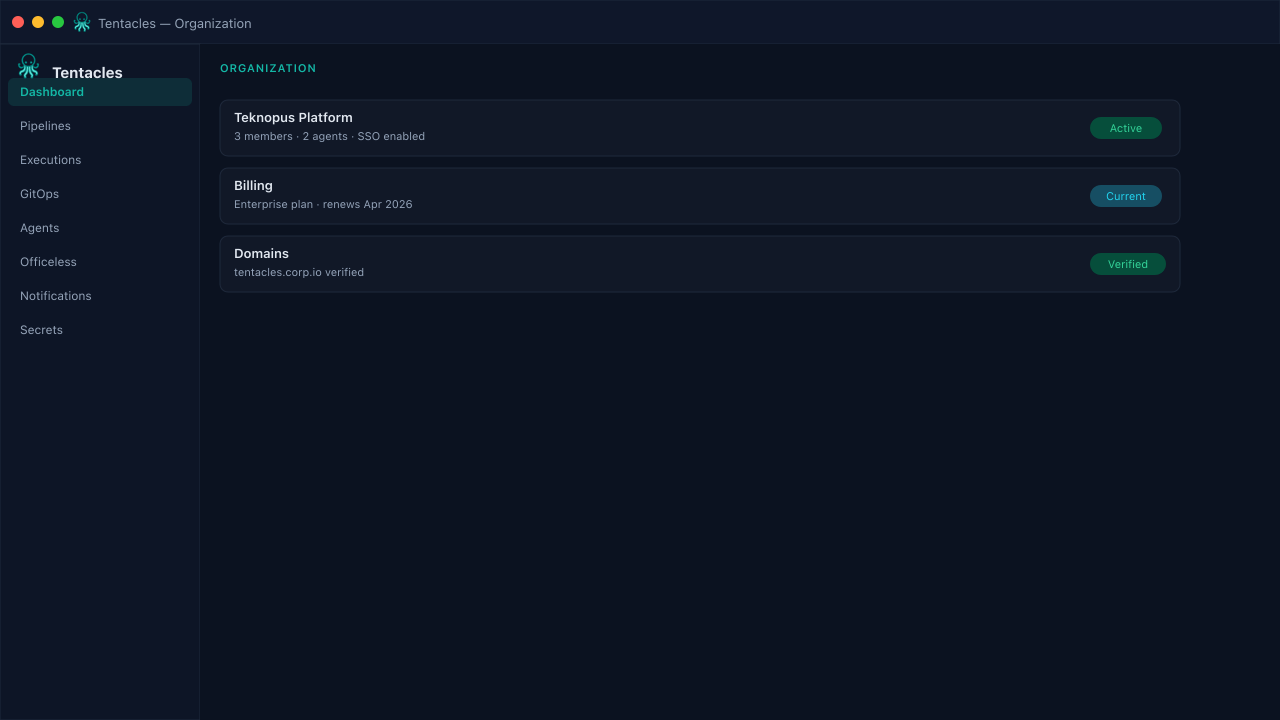
Illustrative preview of the organization screen in Tentacles
Before you start
- Org admin permissions to view or change membership
Step by step
- 1
Review org details
Confirm the organization name matches what you expect — pipelines and agents are scoped underneath it.
- 2
Check membership
The members table lists every user's email and role so you can confirm who has access before a security review.
- 3
Plan access changes
Use this view alongside API Keys and Audit Log when onboarding or offboarding someone from the platform.
Tip: Keep role assignments intentional — least privilege applies to humans as much as agents.