Tentacles
CI/CD and GitOps that reach into every cluster.
One control plane for builds and deploys — agents execute where your workloads live, from the Solution Delivery (SD) platform to customer clusters, without juggling Jenkins and Argo side by side.
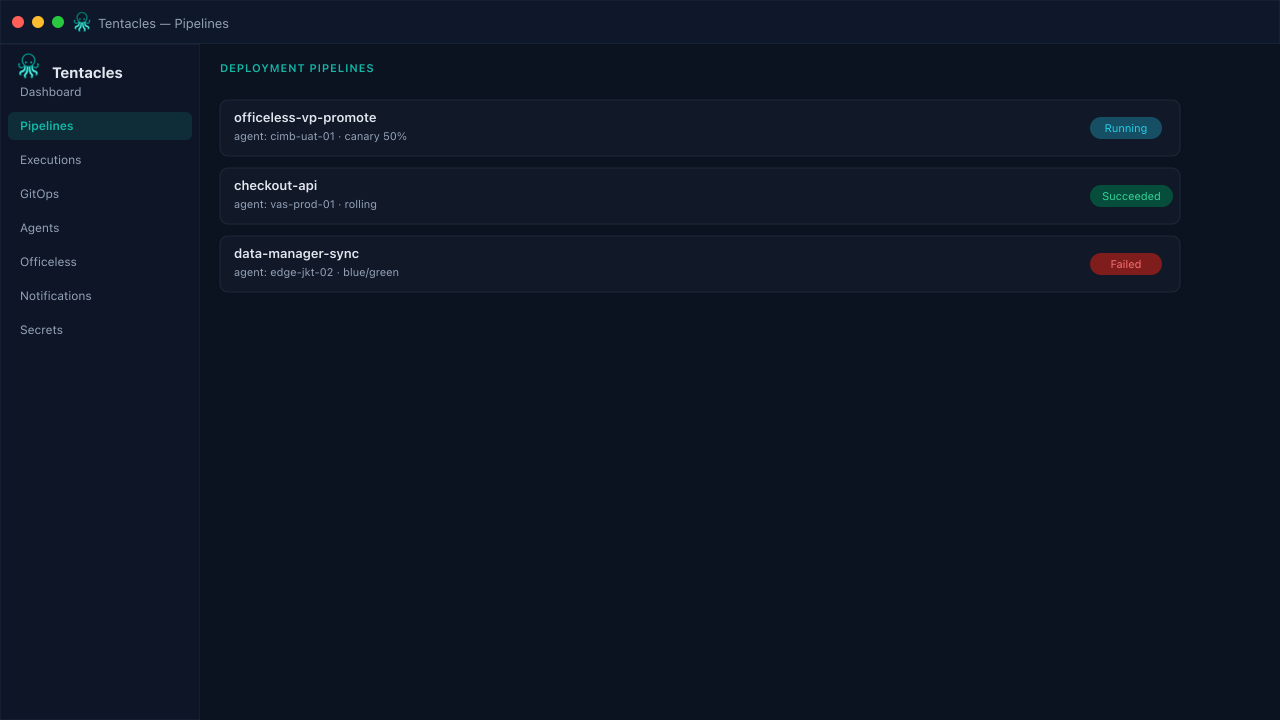
Pipelines — build, GitOps apply, and rollout strategy in one execution timeline.
Product
Replace the Jenkins + Argo handoff with one pipeline.
Tentacles owns the path from source to healthy pods: secrets, OCI build, GitOps apply, and rollout strategy — visible in one execution timeline.
OCI build step
Build and push container images from the agent — no Jenkins job YAML to babysit.
GitOps deploy
Clone manifests, server-side apply, wait for healthy, optional prune and rollback.
Rollout strategies
Rolling, canary weight steps, or blue/green traffic switch from one pipeline spec.
Multi-cluster agents
Reach into customer, Solution Delivery (SD), and edge clusters through agents that dial home over gRPC.
Officeless promotions
Promote Visual Programming, Data Manager, and Workflows from Dev to PRD with gateway sync and a -uat2 rewrite on deploy.
Policy gates
Built-in and Rego checks block risky manifests — no :latest, no privileged containers — before GitOps ever applies them.
Feature guides
Every surface, with a step-by-step walkthrough.
From pipelines and GitOps to Officeless Visual Programming, Data Manager, and Workflows — click any card for previews and a guided walkthrough.
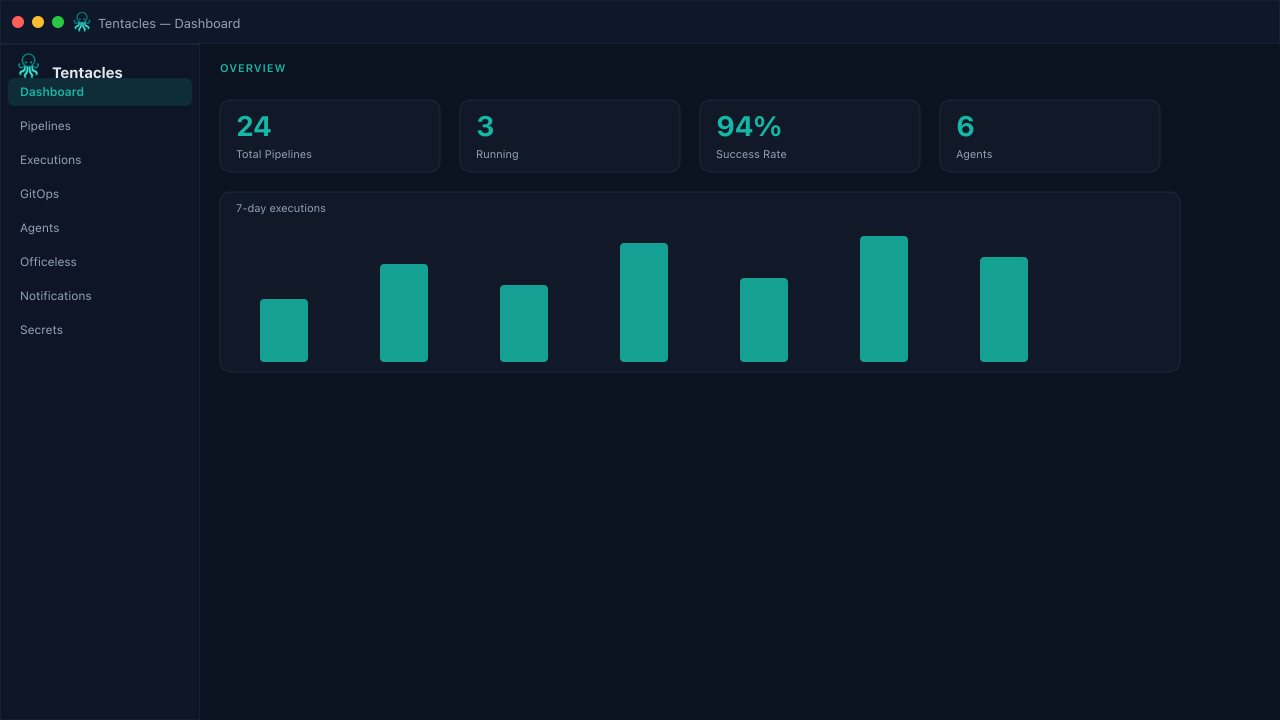
Live pipeline dashboard
Total pipelines, running executions, success rate, and online agents in one view, backed by a 7-day execution chart and recent run history.
Pipelines
Compose an OCI build step, a GitOps apply, and a rollout strategy into one DeploymentPipeline spec — rolling, canary, or blue/green.
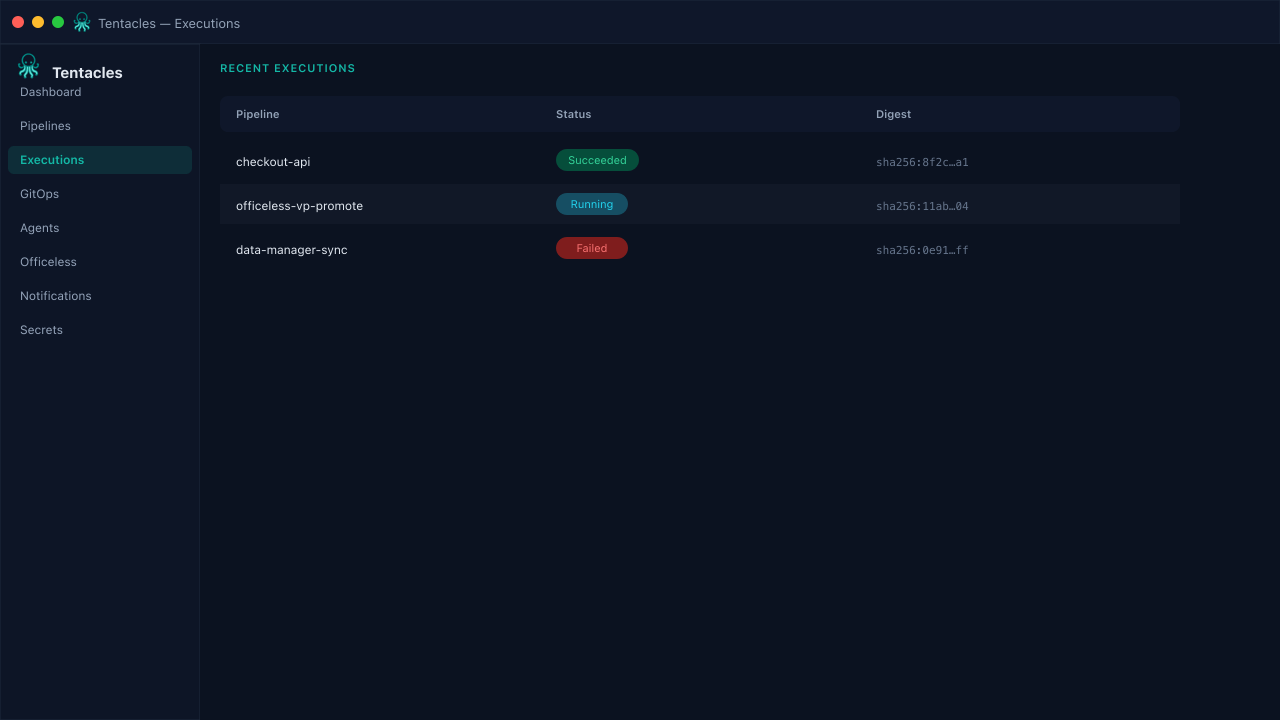
Executions
Full run history across every pipeline with status, start time, image digest, and error detail — drill into any run's live stage timeline.
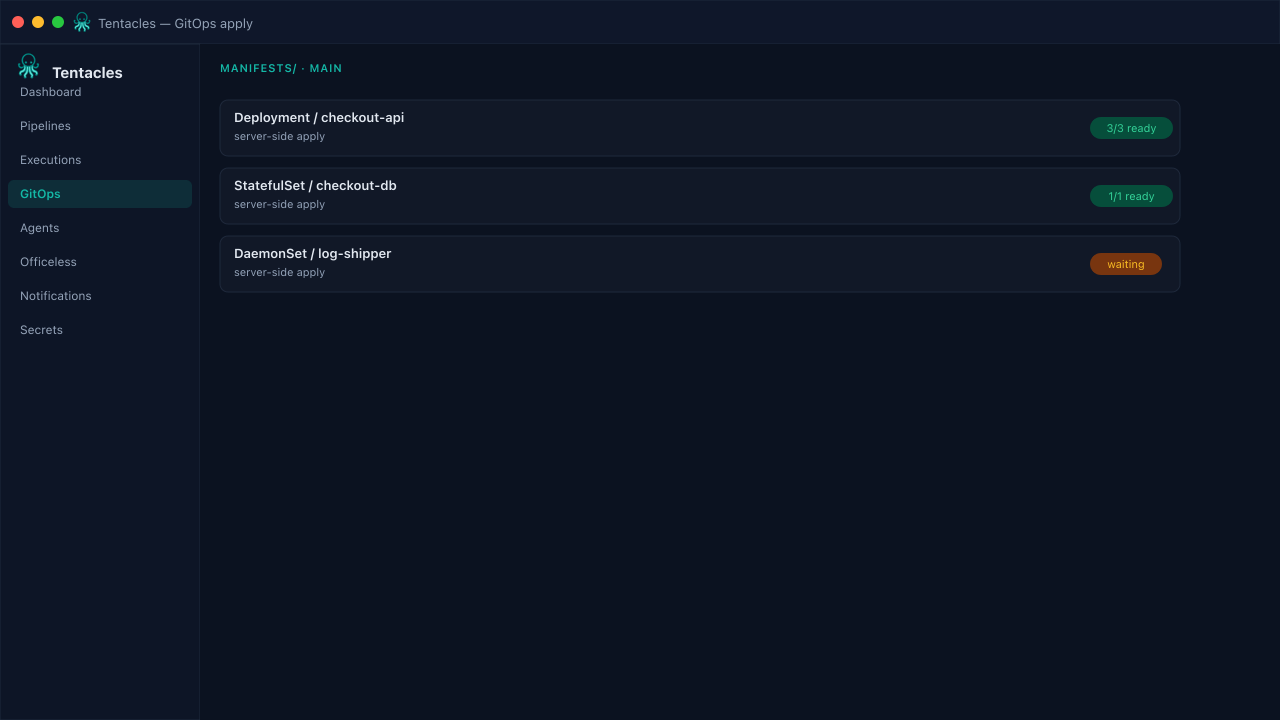
GitOps apply
Clone manifests, server-side apply, and wait for healthy Deployments, StatefulSets, DaemonSets, and Pods before the step succeeds.
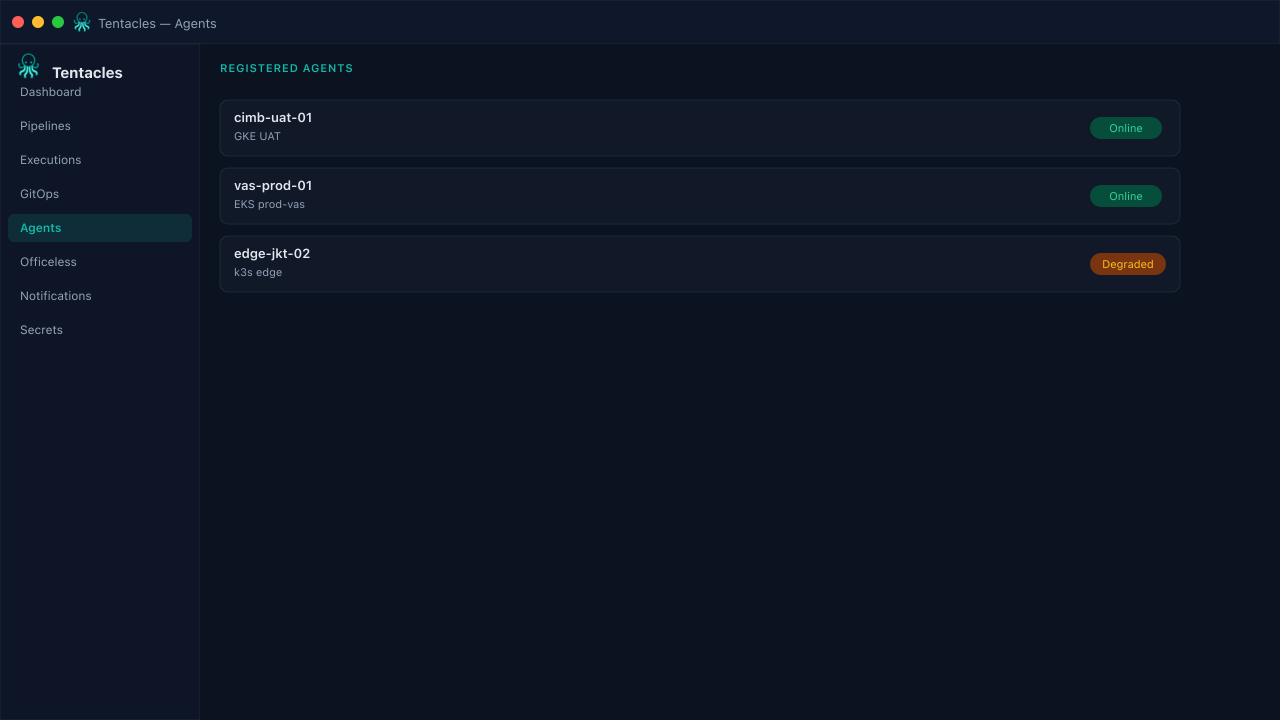
Agents
Lightweight agents dial home over gRPC to build images and apply manifests inside customer, Solution Delivery (SD), or edge clusters — least-privilege by design.
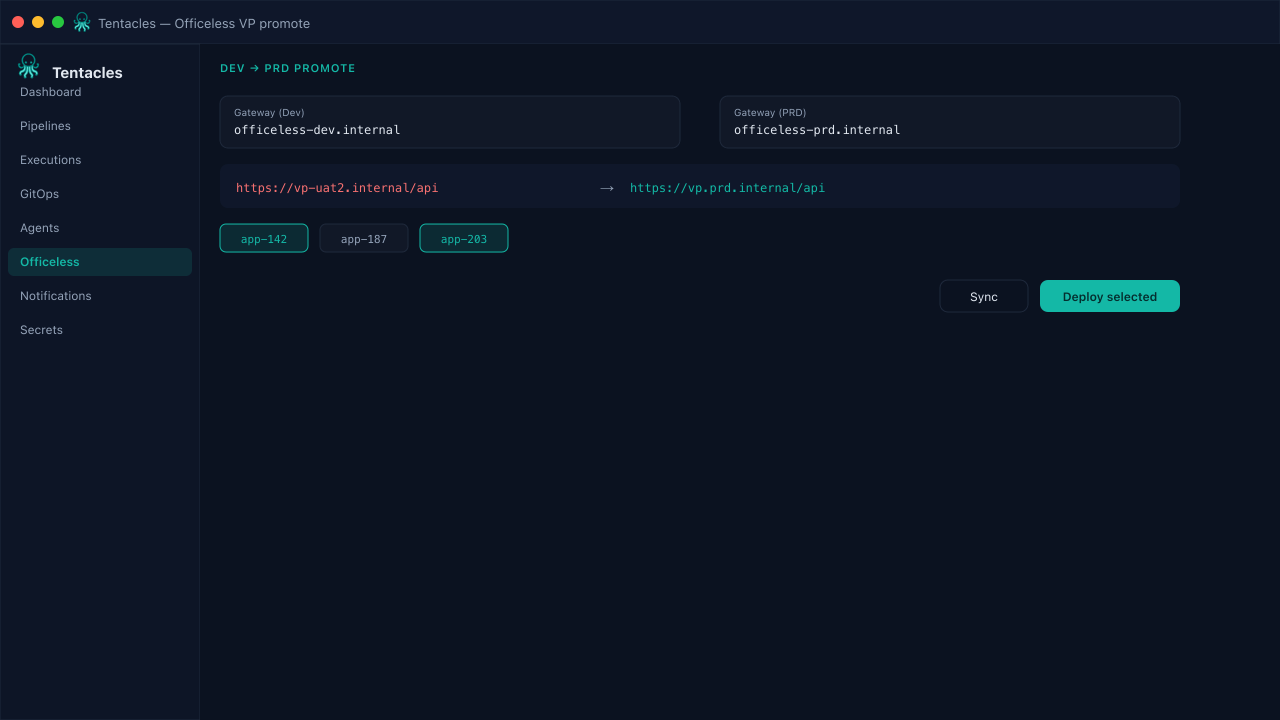
Officeless Visual Programming
Sync VP apps from the Dev gateway, select which app ids to promote, and deploy to PRD with an automatic -uat2 host rewrite.
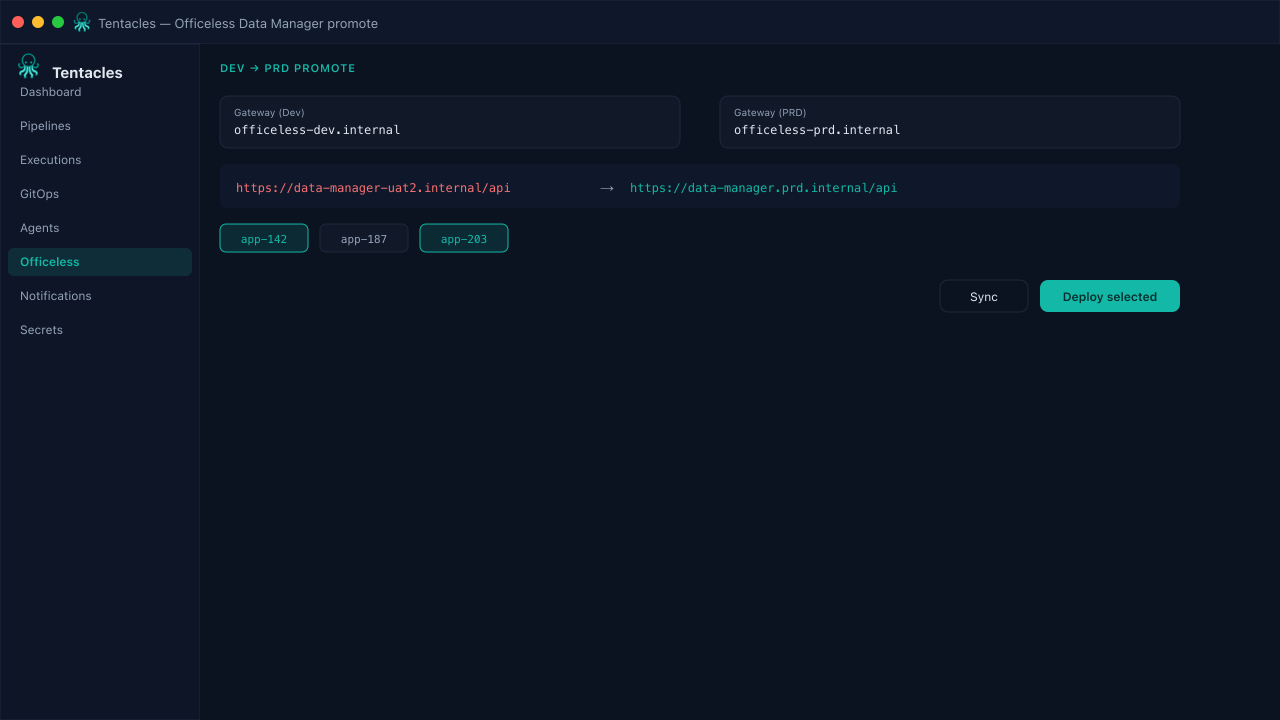
Officeless Data Manager
Promote Data Manager table and workflow definitions from Dev to PRD with gateway config resolved per environment on deploy.
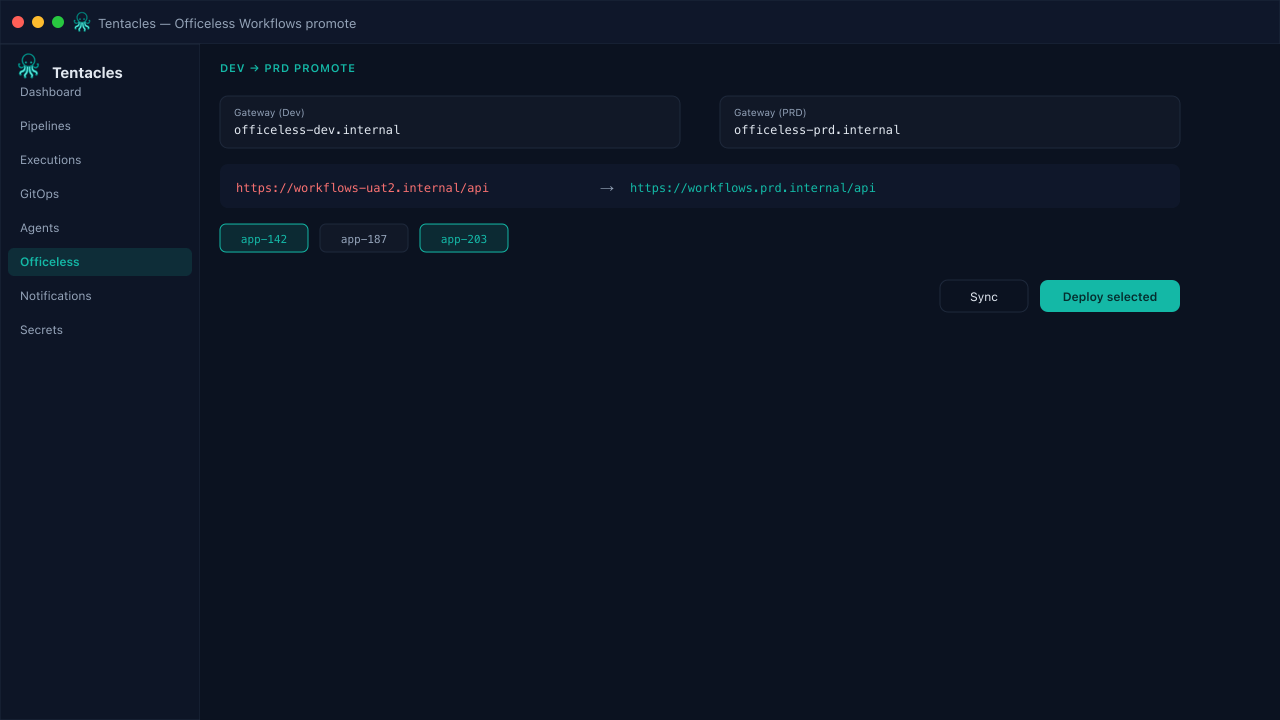
Officeless Workflows
Move Workflow automations from Dev into PRD with dependency-aware sync and an environment rewrite — no manual export or import.
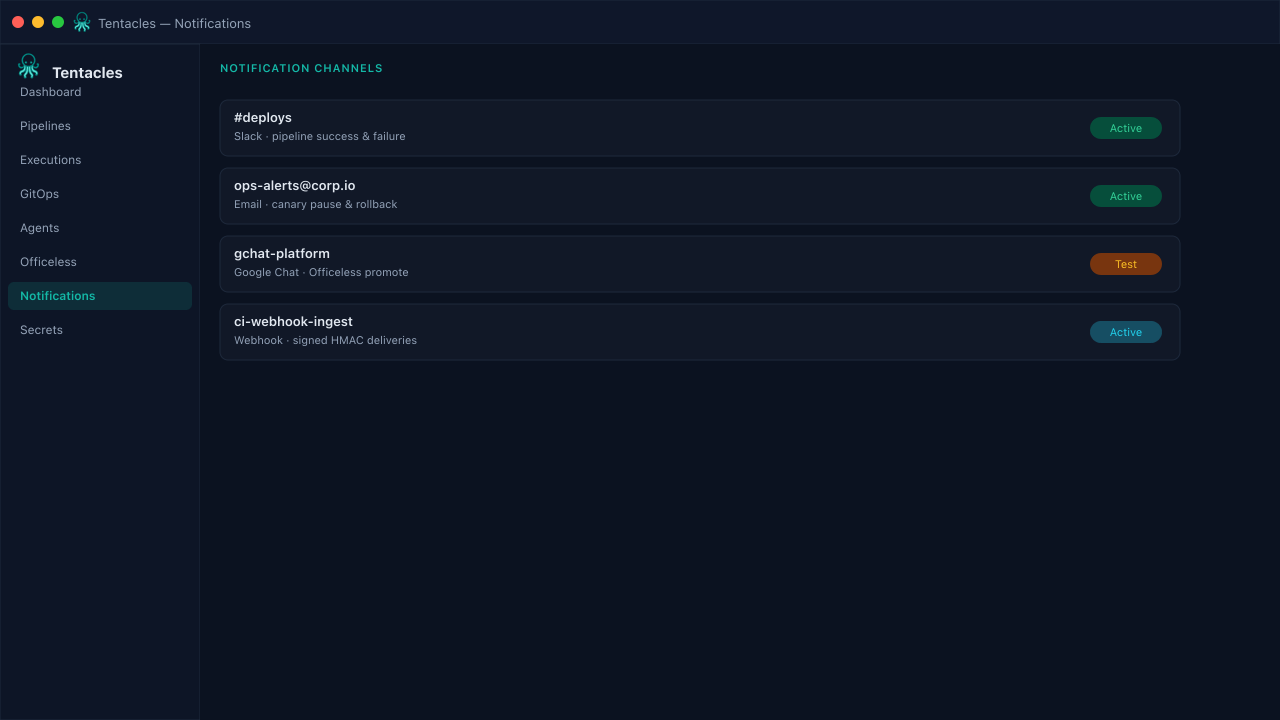
Notifications
Route pipeline and deploy events to Slack, email, Google Chat, or webhooks so the right channel sees success, failure, and canary pauses.
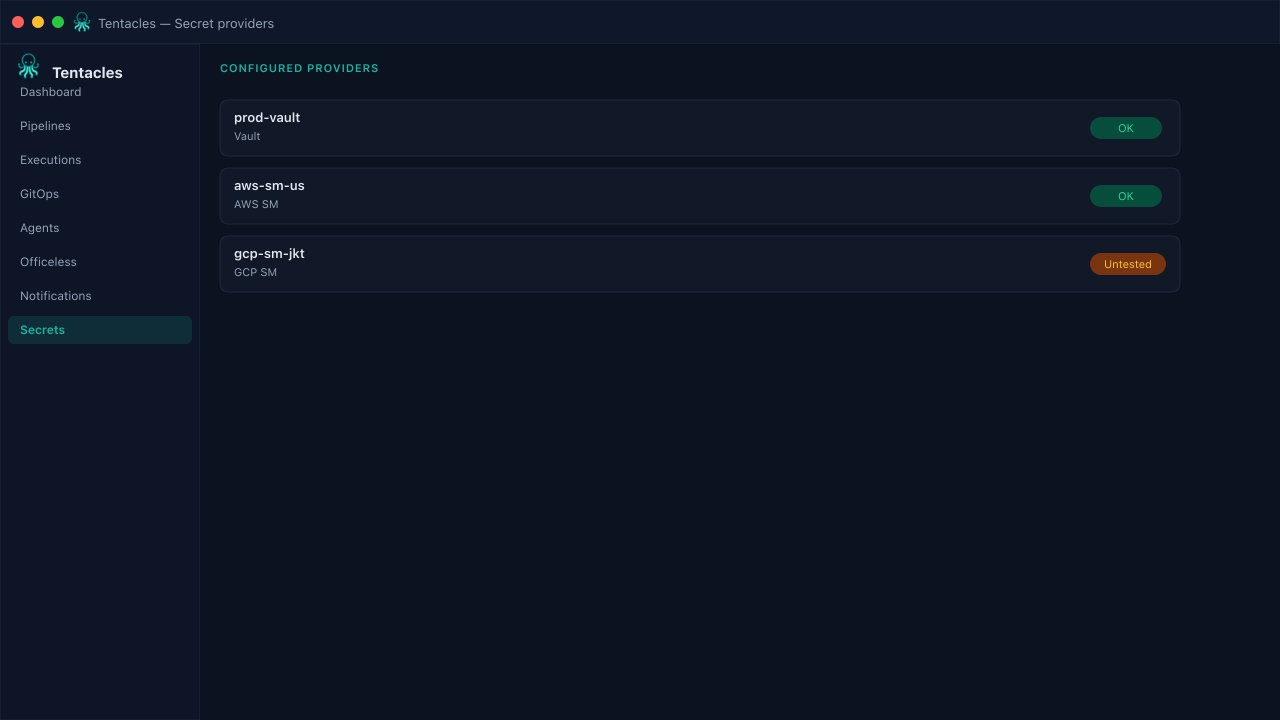
Secret providers
Register Vault, AWS Secrets Manager, GCP Secret Manager, or Kubernetes secret providers once; agents resolve values only where a pipeline runs.
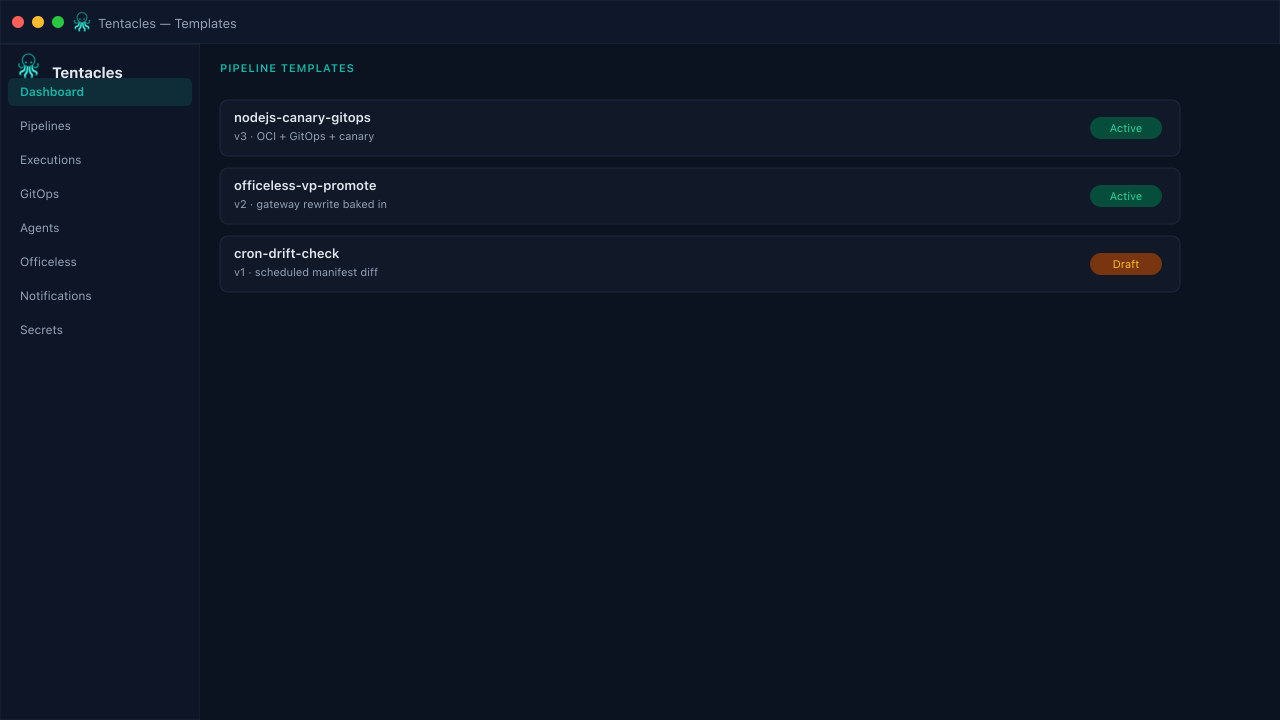
Pipeline templates
Save a working DeploymentPipeline as a versioned template, then instantiate it under a new name whenever a similar service ships.
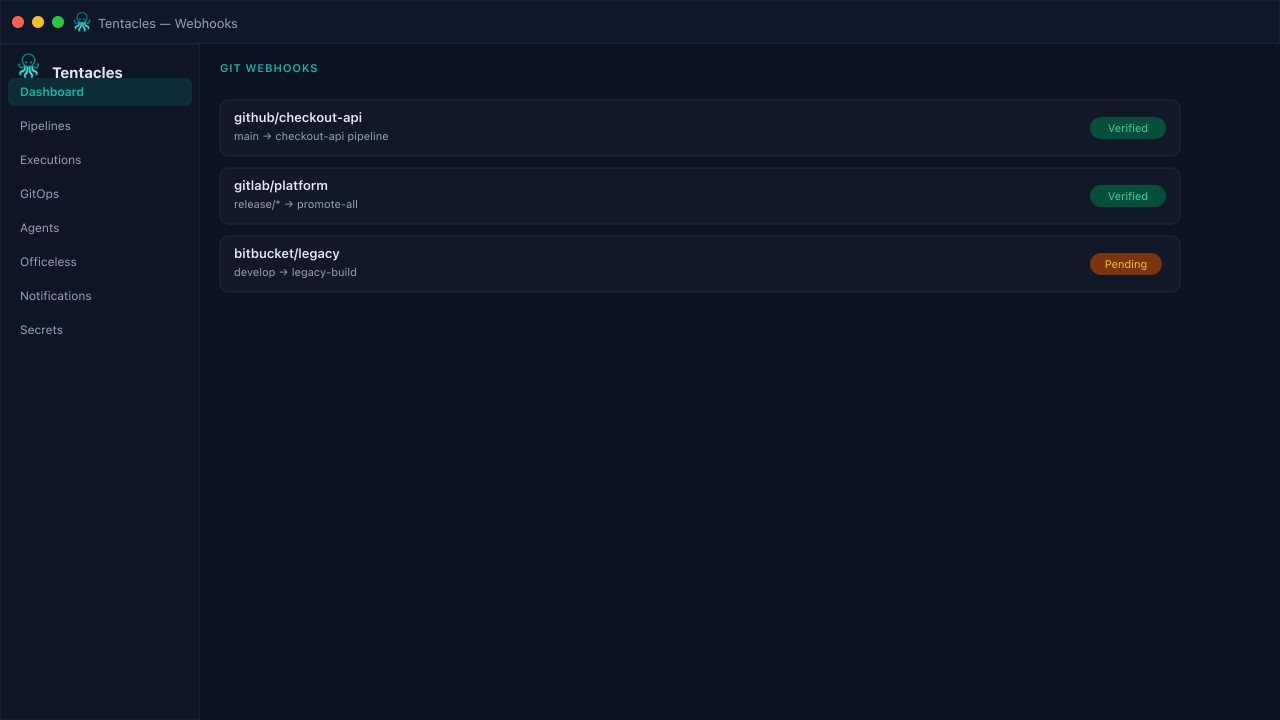
Git webhooks
Map branches to pipelines so inbound GitHub, GitLab, or Bitbucket webhooks trigger the right run automatically, with signature verification.
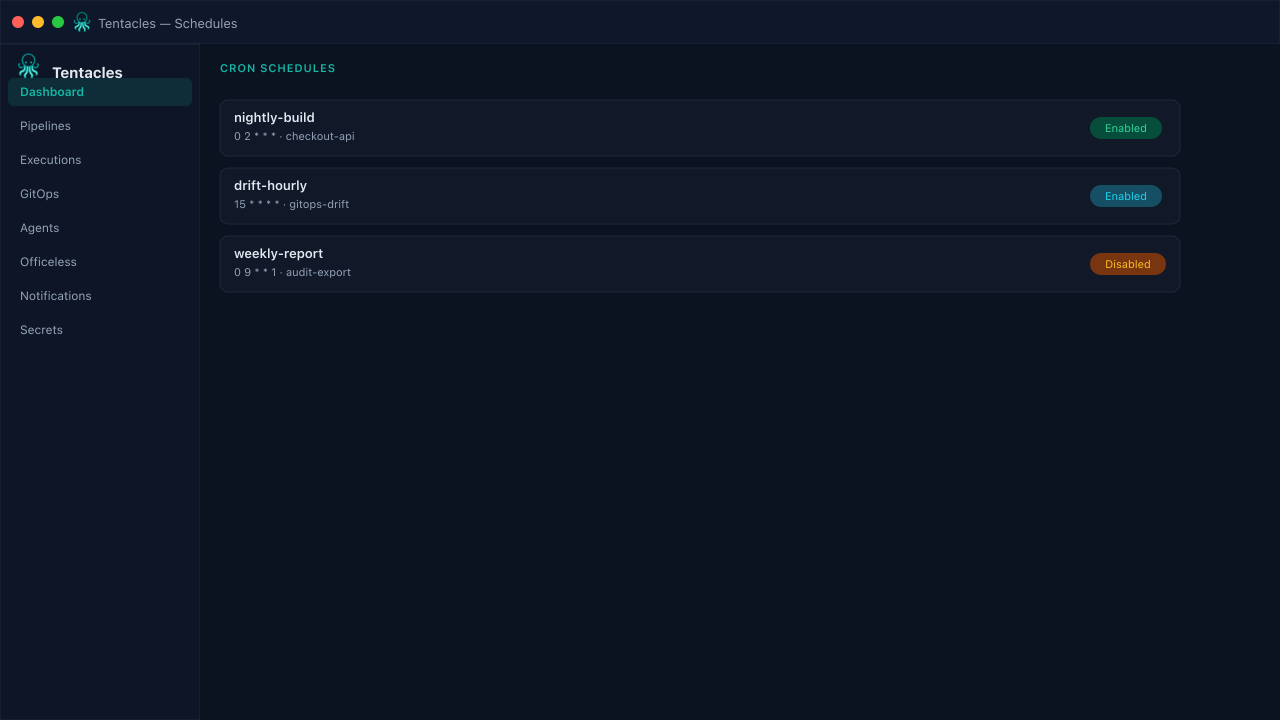
Schedules
Attach a cron expression to any pipeline for recurring builds, deploys, or drift-detection runs — enable or disable without deleting.
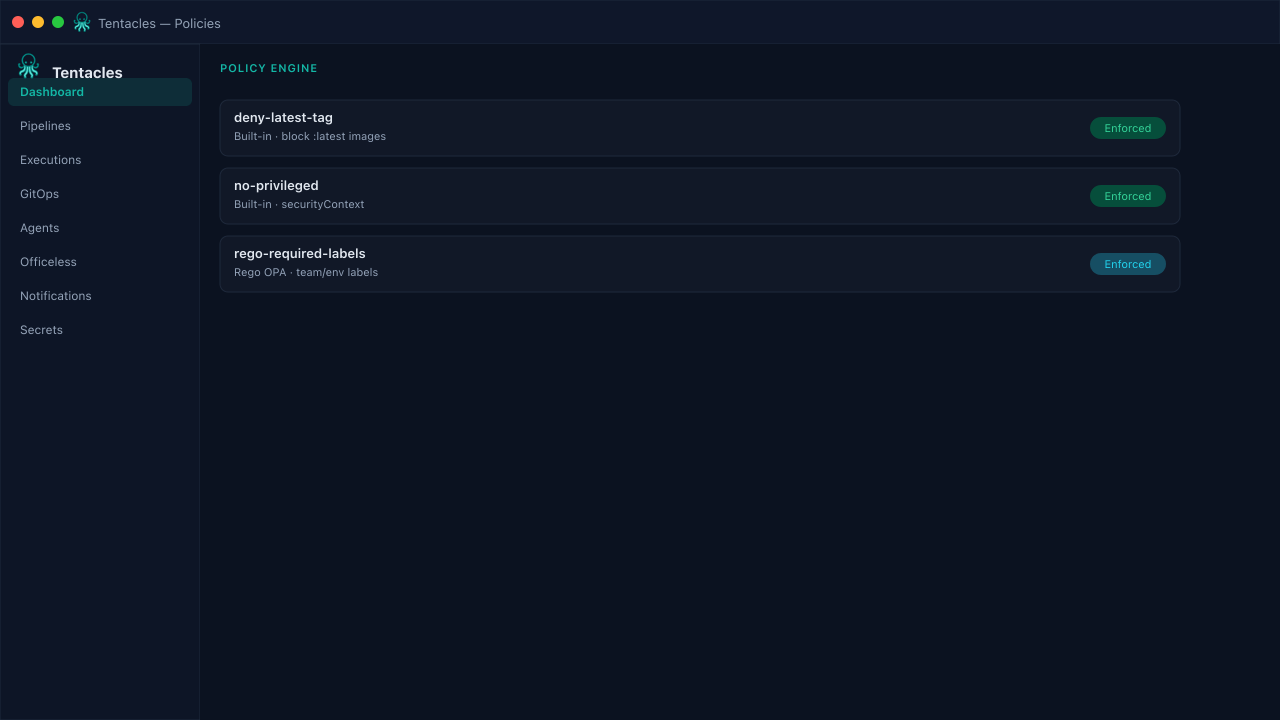
Policy engine
Built-in and Rego (OPA) checks block risky manifests — no :latest tags, no privileged containers, required labels — before GitOps sync.
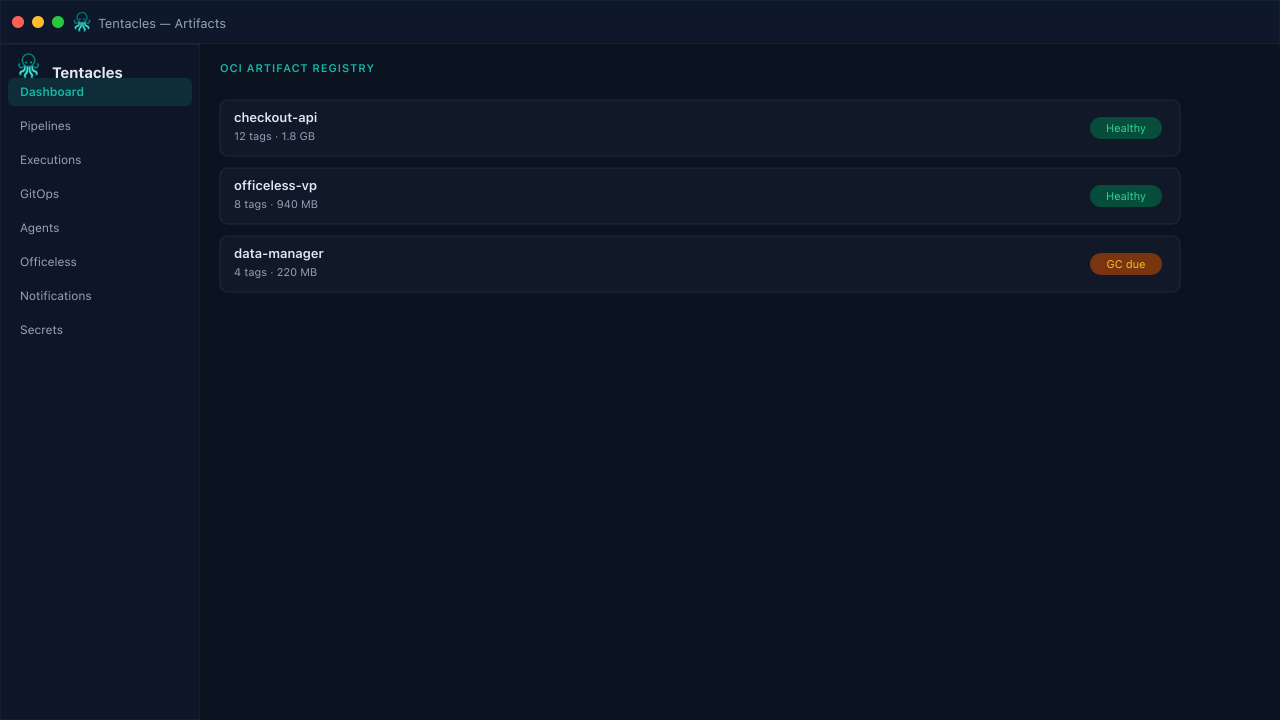
Artifact registry
A built-in OCI registry for pipeline builds, with repository stats, tag counts, and total storage size at a glance.
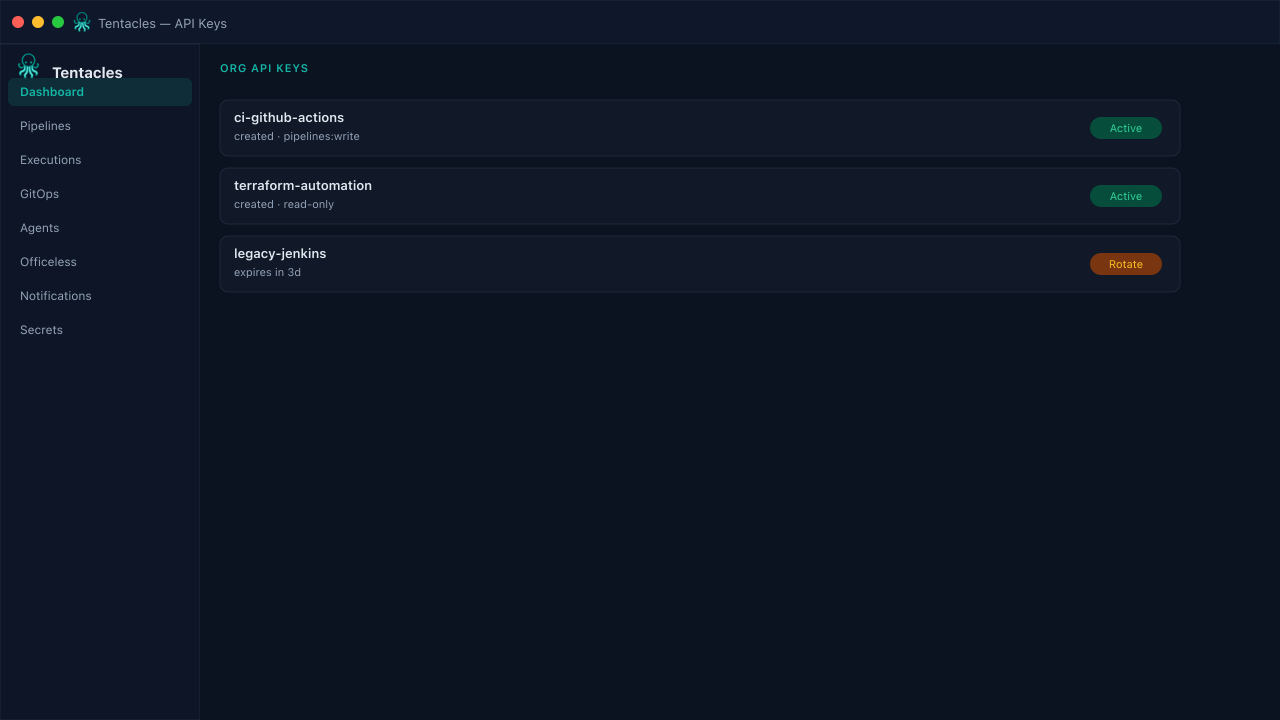
API keys
Issue org-scoped API keys for CI systems and automation with a one-time reveal, and revoke them the moment an integration retires.
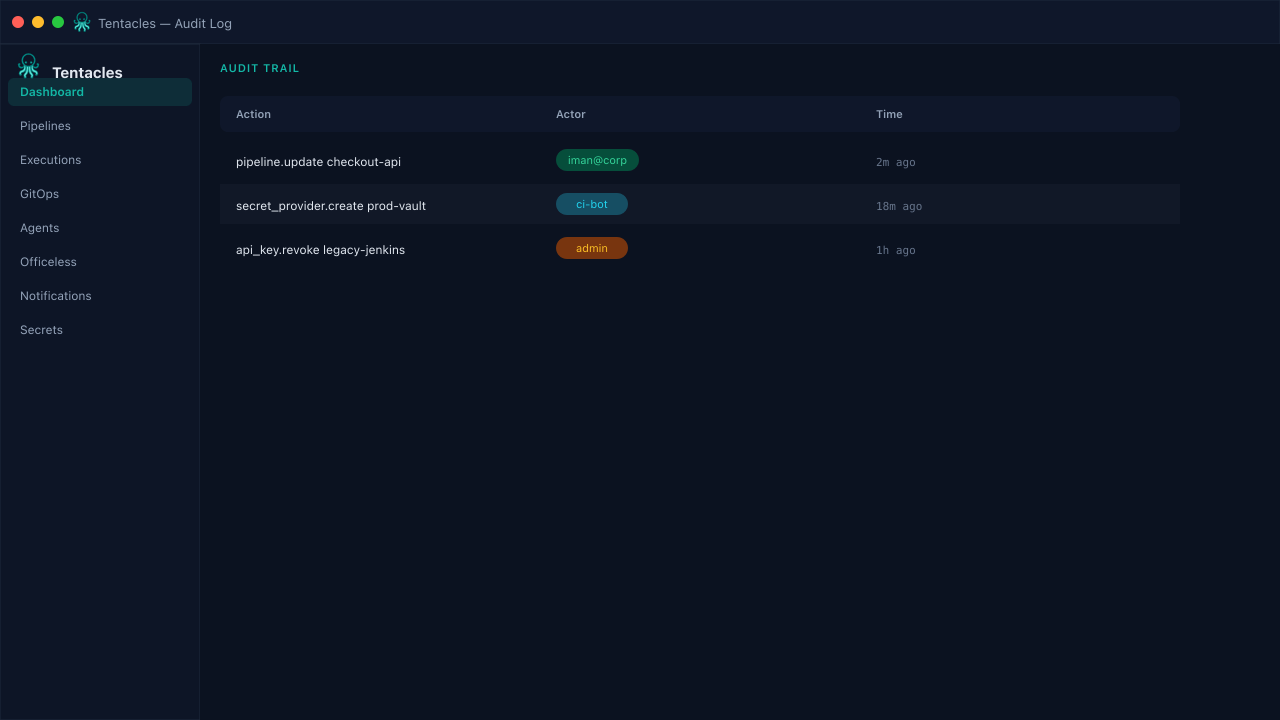
Audit log
Sensitive actions — pipeline changes, secret provider edits, key creation — land in a queryable, append-only audit trail.
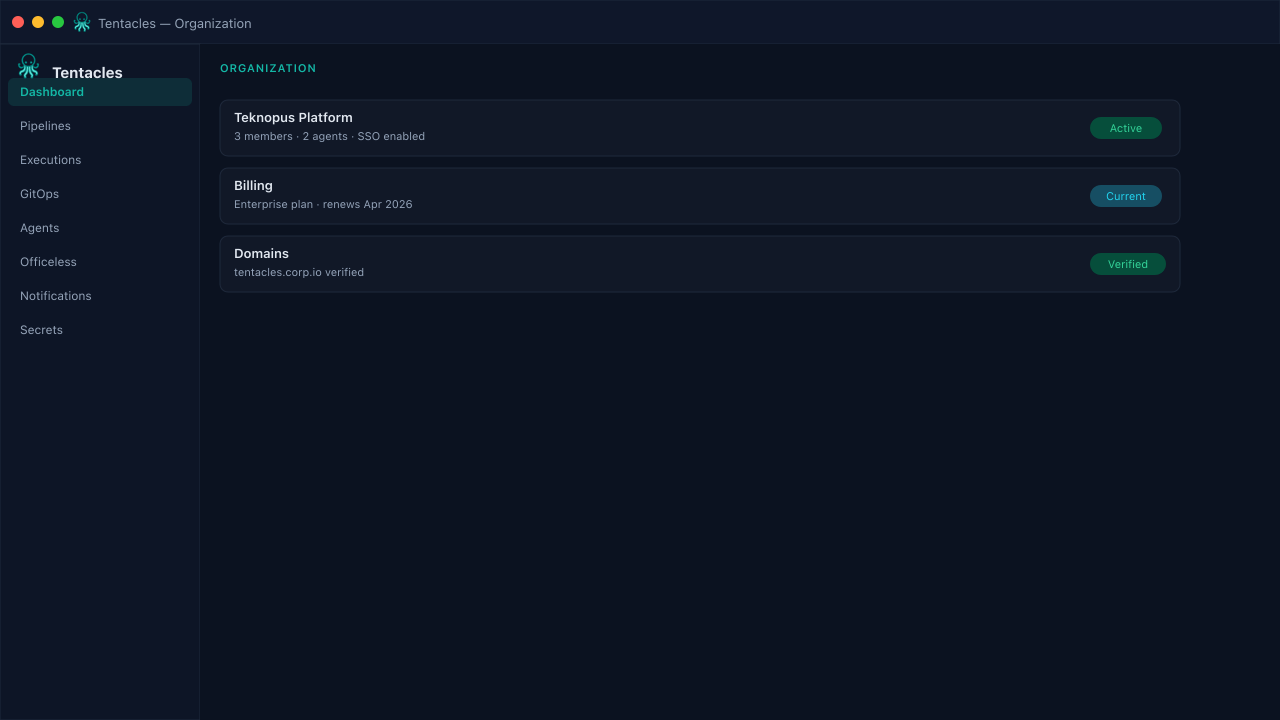
Organization
Manage the organization your pipelines, agents, and keys belong to, and see exactly who has access.
GitOps
Apply manifests the way operators already think.
Target a Git repo, branch, and path. Tentacles clones, applies with server-side apply, waits for healthy, and can roll back when a deploy fails the gate.
Manifest sync
Shallow clone and apply YAML from a target repo path — Argo-style without another control plane.
Health gates
Deployments, StatefulSets, DaemonSets, and Pods must become ready before the step succeeds.
Policy & secrets
Vault, AWS SM, GCP SM, and Kubernetes secrets resolve into the build and deploy steps.
Agents
Execution stays close to the cluster.
The control plane schedules work; agents on UAT, production, or edge environments do the building and applying — including promoting Officeless Visual Programming, Data Manager, and Workflows from Dev to PRD.
In-cluster or remote
Run the agent next to workloads or on a bastion that holds kubeconfig for the target.
Least privilege
Agents only get the RBAC and secret providers you attach — not the whole platform credential set.
Live execution log
Stream build and sync output into the console so operators can approve or abort with context.
Security
Internal-first access on the Solution Delivery (SD) platform.
Tentacles runs on the Solution Delivery (SD) platform next to Teknopus — TLS at the ingress, sign-in through Teknopus Identity, and secrets resolved only on the agent that needs them.
- Teknopus Identity SSO (shared with Teknopus & FinOps)
- Org-scoped API keys for automation
- Audit log for sensitive actions
- Secret providers stay out of the UI
- Hosted on the SD platform (prod-vas-mekari) with TLS via cert-manager
Built for platform teams
Use Tentacles for internal Mekari pipelines today. Expand to partner and bank environments through dedicated agents — not by exposing every kubeconfig to one UI.
Technology stack
Built on the same Solution Delivery (SD) platform primitives.
Tentacles sits beside Teknopus, FinOps, and Secrets — sharing Identity, GitOps, and the SD platform cluster instead of inventing a parallel control plane.
Go control plane
HTTP + gRPC API, pipeline engine, GitOps apply, and agent orchestration in one binary.
Next.js console
Marketing site, feature guides, and the operator UI served from the same UI image.
Teknopus Identity
Google sign-in through identity.vas.mekari.com — the same Identity stack as Teknopus, FinOps, and Secrets.
PostgreSQL + agents
Durable control-plane state on the SD platform; least-privilege agents dial home over gRPC to build and apply.
How it works
Three steps from repo to healthy rollout.
- 1
Define the pipeline
Point Tentacles at your Dockerfile, registry, and GitOps manifest path.
Read the guide → - 2
Attach an agent
Register a cluster agent that can build images and apply to the target kube API.
Read the guide → - 3
Ship with confidence
Trigger from the console, webhook, or schedule — watch canary or blue/green land healthy.
Read the guide →
Promoting Officeless apps instead? Start with the Visual Programming guide or browse every feature guide.
Ready to run your next deploy through Tentacles?
Open the console on the SD platform, register an agent against your UAT cluster, and ship an Officeless or data-manager pipeline end to end.