
Agents
Agents are the only thing that touches your clusters — the control plane schedules work and streams logs, while agents build and apply where your workloads actually live.
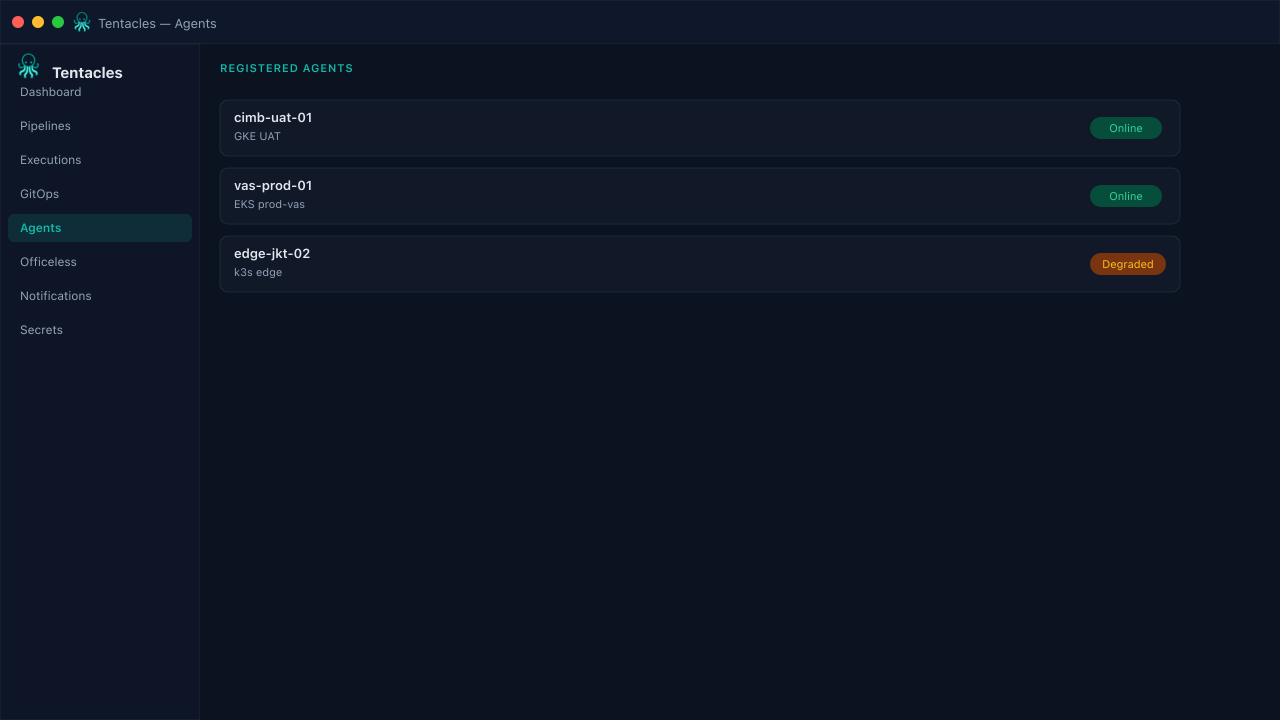
Illustrative preview of the agents screen in Tentacles
Before you start
- A reachable Kubernetes API for the target cluster
- A network path from the agent to the control plane (gRPC, dial-home)
Step by step
- 1
Register an agent
Deploy the agent in-cluster or on a bastion holding the target kubeconfig, then register it against your organization.
- 2
Scope its access
Attach only the RBAC and secret providers that agent needs — a UAT agent should not hold production Vault tokens.
- 3
Watch it execute
Assign the agent to a pipeline's agentRef; build and sync output streams live into the execution log so operators can approve or abort.
Tip: One agent per cluster or trust boundary is a good default — a single control plane can coordinate many.