
GitOps apply
Tentacles clones your manifest repo, applies with server-side apply, and gates success on workload health — Argo-style, without running a second control plane.
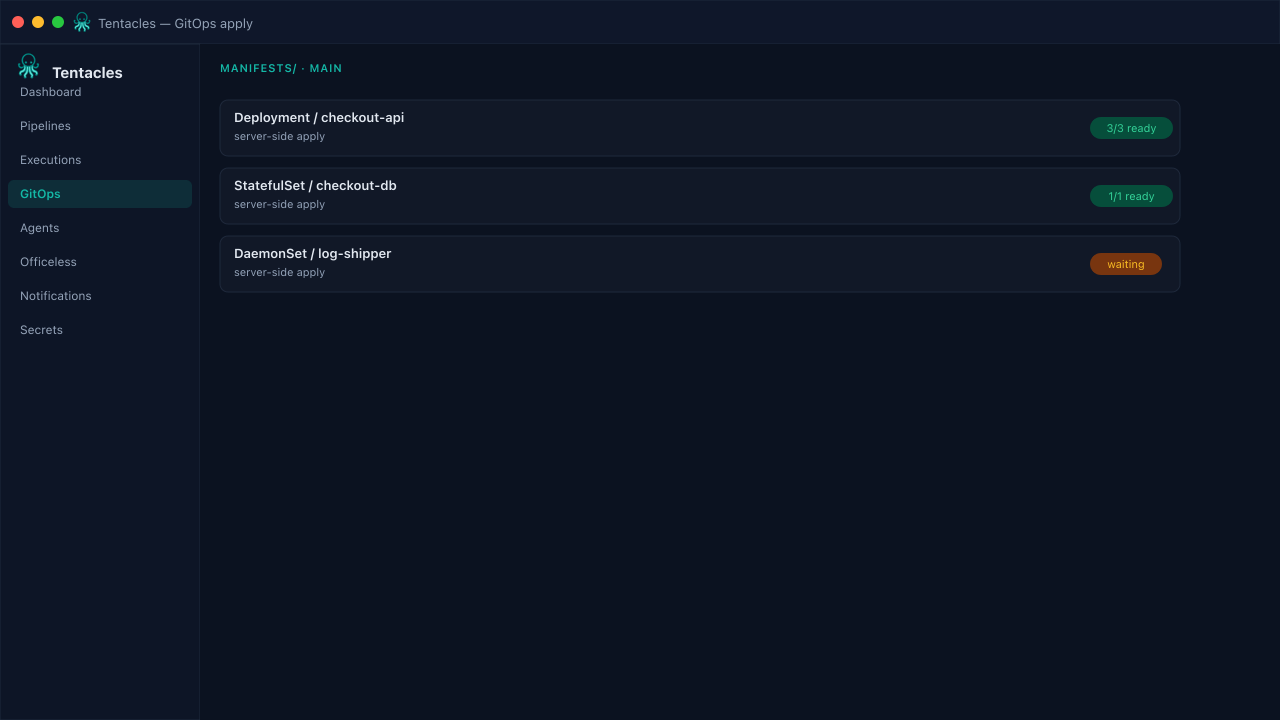
Illustrative preview of the gitops apply screen in Tentacles
Before you start
- Manifest repo readable by the agent
- Target namespace exists
- Health checks enabled for the workload kinds you deploy
Step by step
- 1
Point at a repo path
In the pipeline's GitOps step, set the repo URL, branch, and the directory containing plain YAML or rendered kustomize output.
- 2
Apply and wait for healthy
Tentacles server-side applies each manifest, then blocks the step until Deployments, StatefulSets, DaemonSets, and Pods report Ready.
- 3
Prune or roll back
Enable prune to remove manifests no longer in the repo, or let Tentacles roll back automatically when the health gate times out.
Tip: Pair GitOps with a policy targeting pre-gitops to block risky manifests before apply.