
API keys
Issue org-scoped API keys for CI systems and automation — the full key is shown exactly once, then only its prefix is stored.
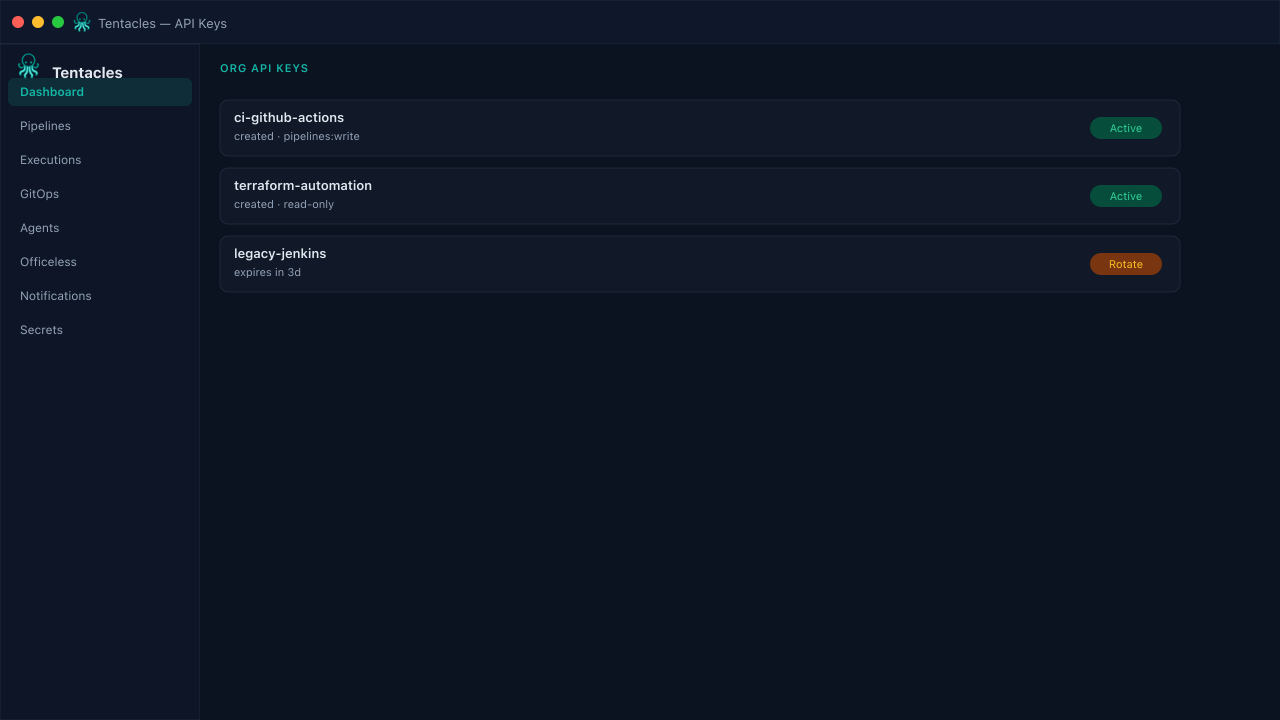
Illustrative preview of the api keys screen in Tentacles
Before you start
- Org admin or member permissions to manage keys
Step by step
- 1
Create a key
Name it for what will use it (e.g. ci-server, release-bot) so a future audit knows what to rotate.
- 2
Copy it immediately
The full tentacles_... key is only ever shown once, right after creation — copy it into your CI secret store before leaving the page.
- 3
Revoke when done
Delete a key the moment its automation is retired; only its name and prefix remain in the list for reference.
Tip: One key per CI system keeps the audit log unambiguous about which pipeline triggered which run.