
Artifact registry
A built-in OCI registry means image builds and GitOps applies can stay inside Tentacles without standing up a separate Docker registry.
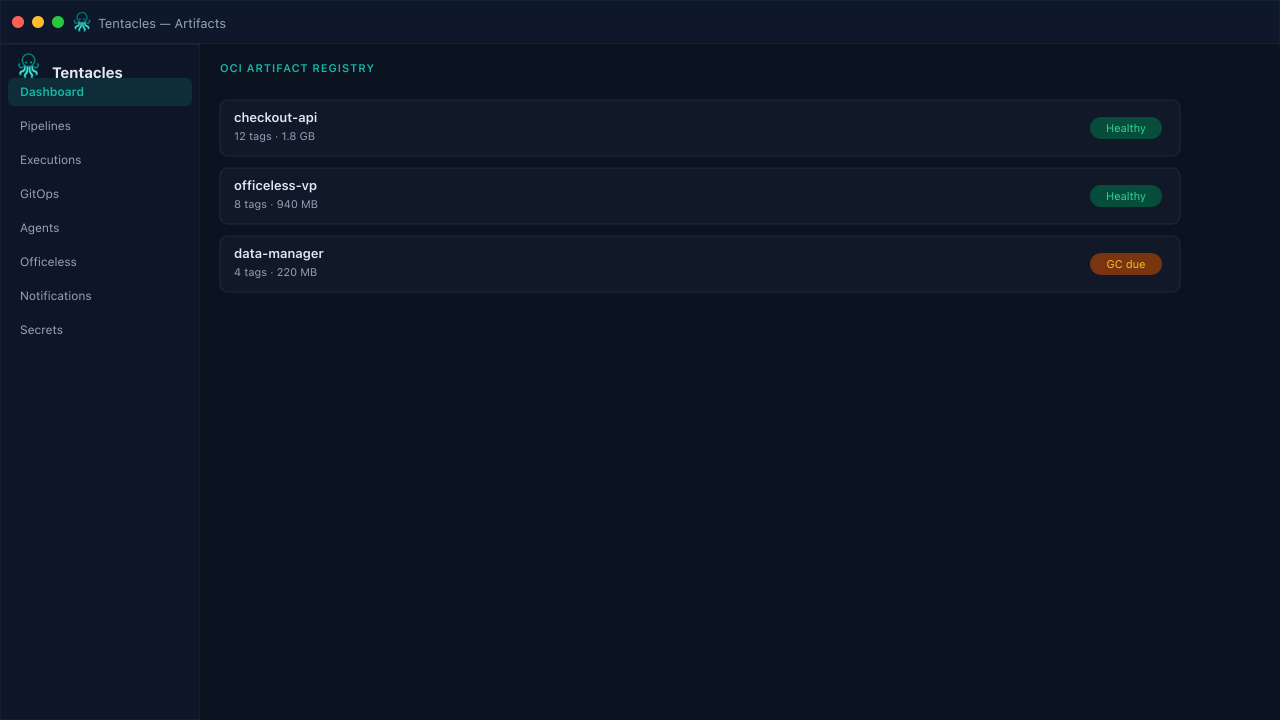
Illustrative preview of the artifact registry screen in Tentacles
Before you start
- Artifact registry enabled in the control plane config (artifact.enabled: true)
Step by step
- 1
Push an image
docker push localhost:8080/myapp:v1 (or your configured registry host) — the same registry a pipeline's build step publishes to.
- 2
Browse repositories
The Artifact Registry page lists every repository with its tags, plus totals for repositories, blobs, and storage size.
- 3
Track growth
Watch total size over time to catch a build step that isn't cleaning up old tags.
Tip: Pair with a policy that rejects :latest so every tag in the registry is traceable to a build.