
Policy engine
Built-in checks and Rego (OPA) policies run before GitOps sync, blocking risky manifests — no :latest tags, no privileged containers — before they ever reach a cluster.
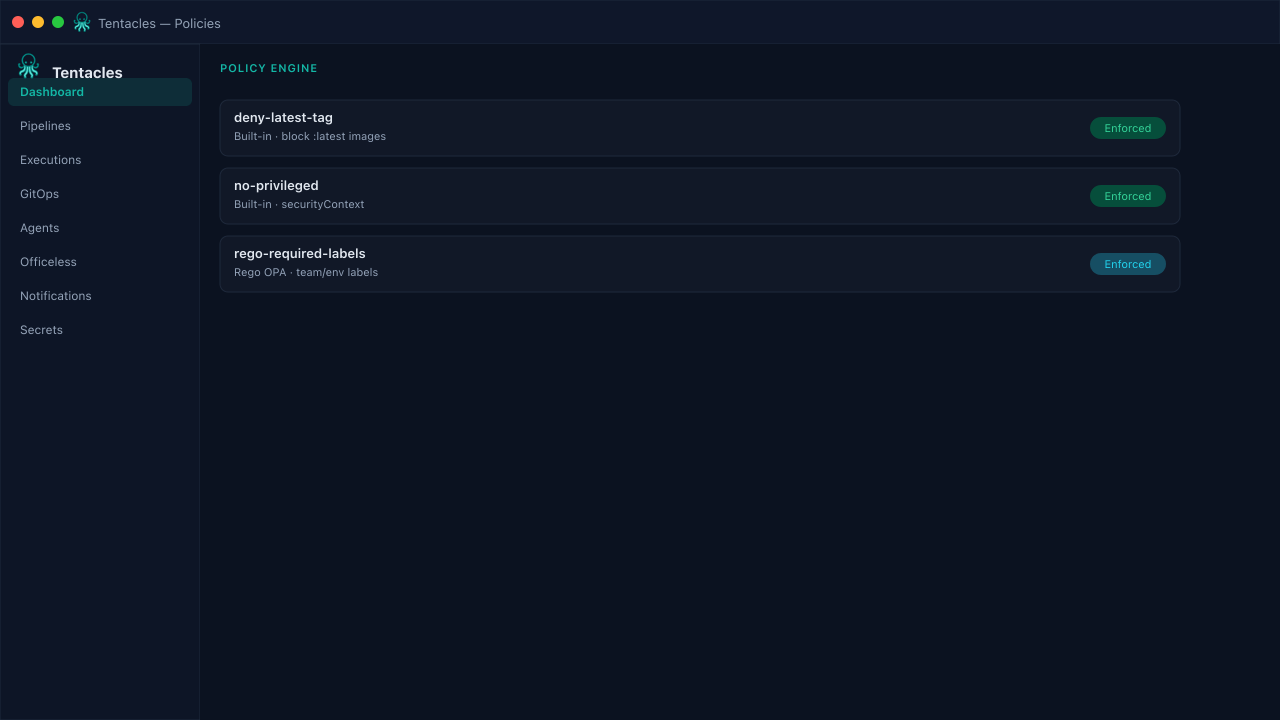
Illustrative preview of the policy engine screen in Tentacles
Before you start
- A pipeline target stage to attach policies to (e.g. pre-gitops)
Step by step
- 1
Add a policy
Choose a built-in check (no-latest-tag, required-labels, no-privileged, max-replicas, no-host-network, required-annotations) or write Rego for custom rules.
- 2
Set severity and targets
Mark a policy mandatory to block the pipeline, or warning to surface without blocking — then choose which stage(s) it runs at.
- 3
Verify before you enforce
Run Verify Pipeline against a sample image and manifest to see pass/fail results before enabling a policy for real traffic.
Tip: Start new policies as warning, watch a week of runs, then flip to mandatory once you trust the signal.