
Executions
Every trigger — console, webhook, or schedule — lands in Executions with status, timing, and image digest so you can trace a rollout back to its run.
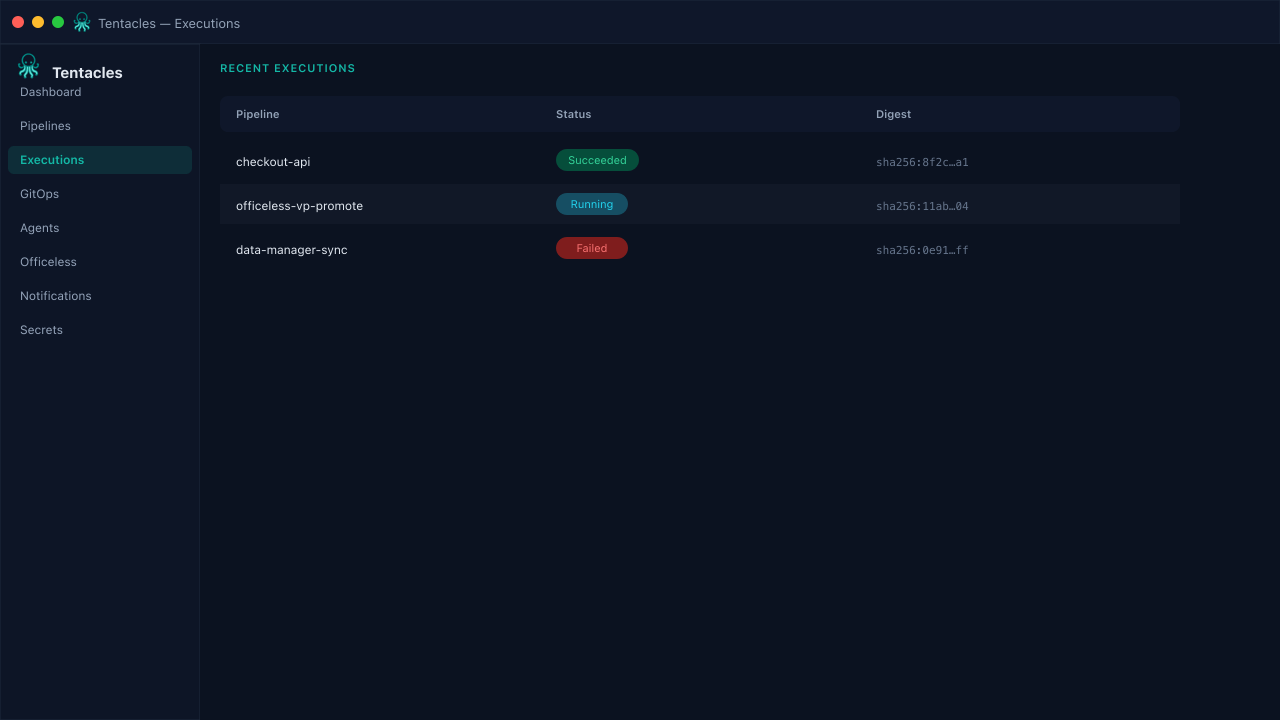
Illustrative preview of the executions screen in Tentacles
Before you start
- At least one pipeline that has run once
Step by step
- 1
Open Executions
The table lists pipeline name, status, start time, image digest, and error message for every run across all pipelines.
- 2
Filter by status
Scan for Running or Failed rows first — Succeeded runs are for confirmation, not triage.
- 3
Drill into a run
Click a row to open the execution's live stage timeline: secrets resolved, image built, manifests applied, health check passed.
Tip: Copy the image digest straight from the table when you need to pin a rollback.