Pipelines
A DeploymentPipeline spec ties an agent, an optional OCI build step, and a GitOps apply into one object — instead of a Jenkinsfile plus a separate Argo Application.
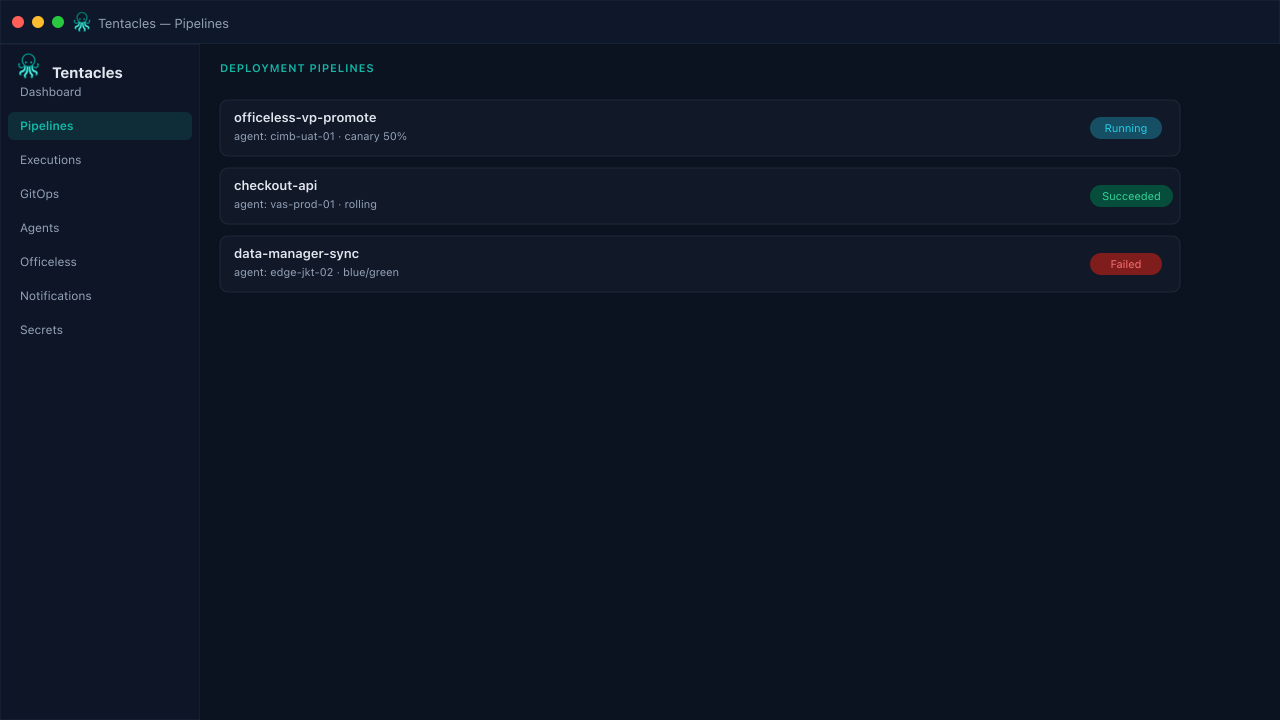
Illustrative preview of the pipelines screen in Tentacles
Before you start
- A registered agent (see the Agents guide)
- A Dockerfile or existing image for the build step (optional)
- A target Git repo and path for GitOps manifests
Step by step
- 1
Create a new pipeline
From Pipelines, click New Pipeline. Point at your Dockerfile, destination image, and the agent that will execute the run.
- 2
Add the GitOps target
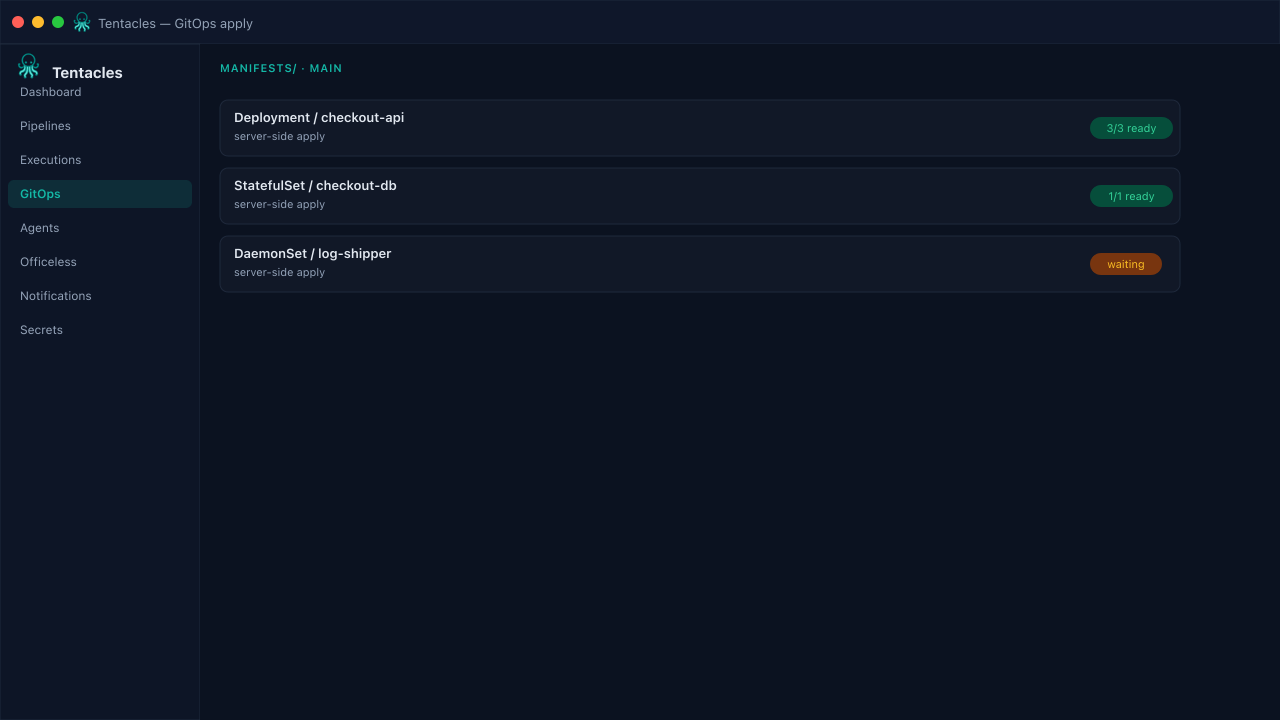
Set the manifest repo, branch, and path Tentacles should clone and apply — the step waits for the workload to report healthy before it succeeds.
- 3
Choose a rollout strategy
Pick rolling, canary (weighted steps), or blue/green — the same pipeline spec drives all three without extra tooling.
Tip: Save the pipeline as a template once it's dialed in so other teams can instantiate it.