
Officeless Data Manager
Data Manager table and workflow definitions move from Dev to PRD through the same gateway-aware pipeline as VP — schema drift stays visible before it reaches production data.
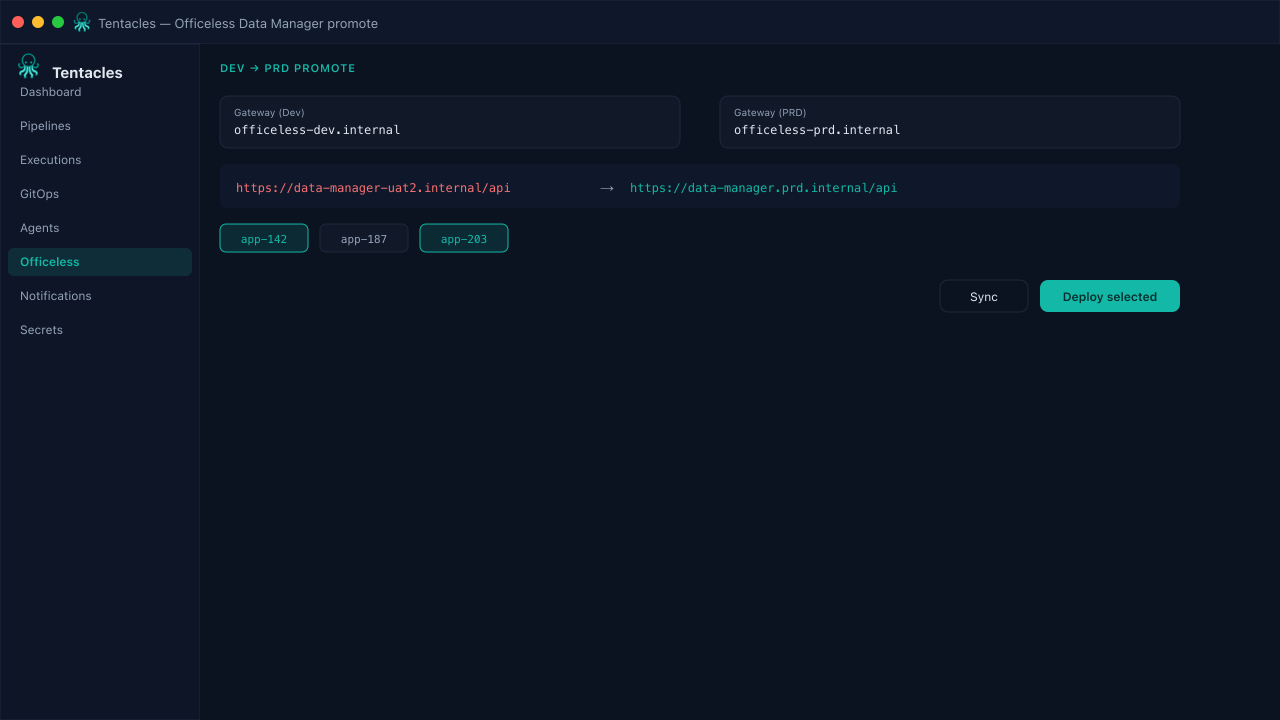
Illustrative preview of the officeless data manager screen in Tentacles
Before you start
- Data Manager Dev and PRD gateway credentials in a secret provider
- Target table or workflow ids identified in Dev
Step by step
- 1
Point the pipeline at both gateways
Set Dev as the source and PRD as the destination gateway; Tentacles keeps their credentials separate via secret providers.
- 2
Sync table and workflow definitions
Pull the current schema and workflow set from Dev so the promotion targets the latest definitions, not a stale export.
- 3
Select which ids to promote
Pick specific tables or workflows rather than promoting the whole Dev workspace at once — safer for incremental rollouts.
- 4
Deploy with the host rewrite
Deploy rewrites Dev-only endpoints (the -uat2 host suffix) to their PRD equivalents so promoted workflows call the right services.
Tip: Combine with a required-labels policy check so promoted Data Manager manifests stay consistent with the rest of the platform.