
Schedules
Attach a cron expression to any pipeline for recurring builds, deploys, or maintenance runs, and see the last and next run time at a glance.
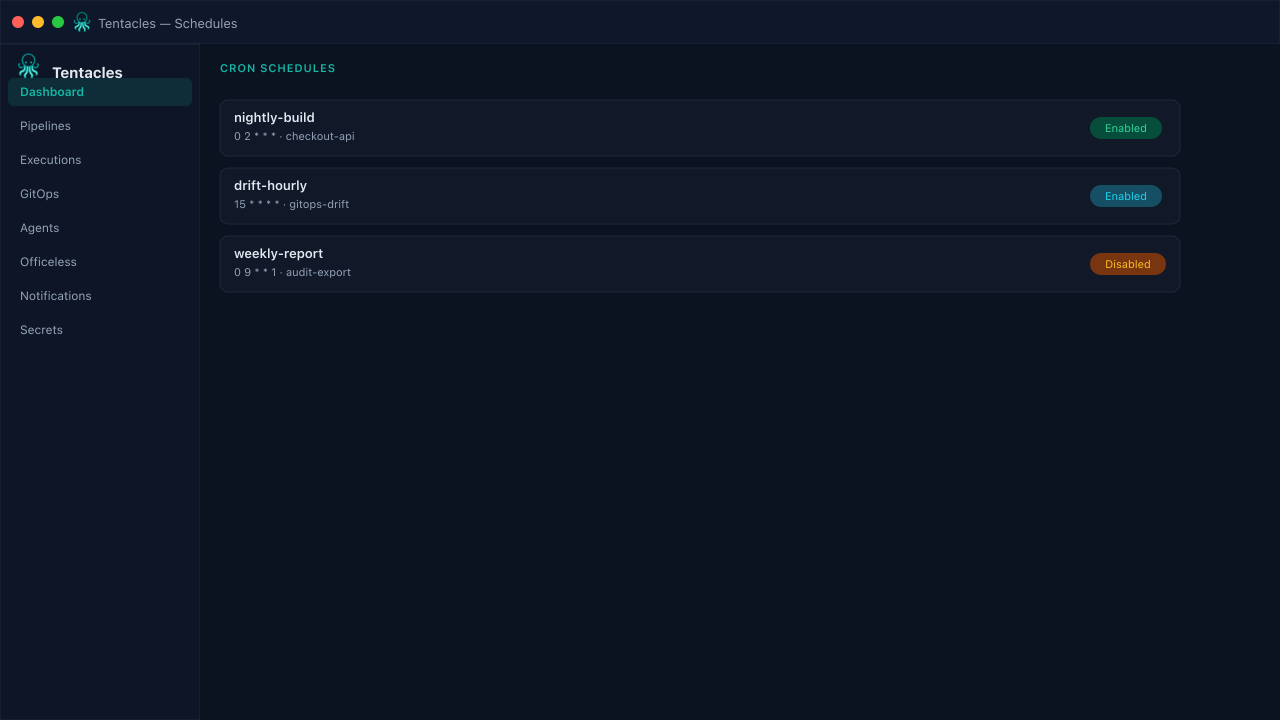
Illustrative preview of the schedules screen in Tentacles
Before you start
- A pipeline to schedule
- A cron expression (sec min hour day month weekday)
Step by step
- 1
Create a schedule
Pick a pipeline and enter a cron expression — Tentacles evaluates it with second-level precision.
- 2
Enable or disable
Toggle a schedule off without deleting it — useful when pausing recurring jobs during a freeze window.
- 3
Check last and next run
The schedules table shows last run and next run timestamps so you can confirm a cron expression is firing as expected.
Tip: Use schedules for drift-detection GitOps runs, not just deploys — a nightly re-apply catches manual cluster edits.