
Git webhooks
Map Git branches to pipelines so a push to main or a release branch triggers the right run automatically — no CI YAML to maintain per repo.
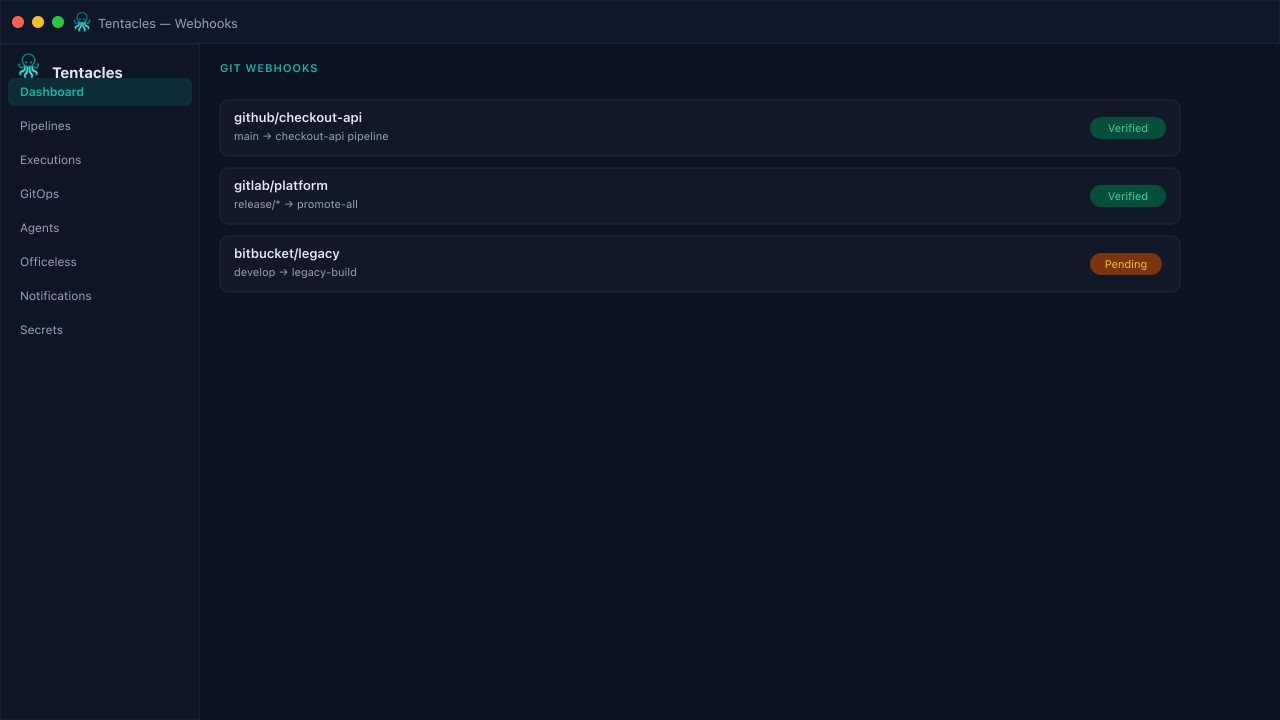
Illustrative preview of the git webhooks screen in Tentacles
Before you start
- A Git provider (GitHub, GitLab, or Bitbucket) that can reach the Tentacles webhook URL
- Target pipelines already created
Step by step
- 1
Create a webhook
Name it, pick the Git provider, and set an optional secret Tentacles uses to verify the payload signature.
- 2
Map branches to pipelines
Add one or more branch pattern → pipeline id mappings — main can trigger a different pipeline than a release/* branch.
- 3
Wire it into your Git provider
Copy the receiver URL (/api/v1/webhooks/git/{id}) into the provider's webhook settings.
Tip: Disable a webhook instead of deleting it when a repo goes quiet — you keep the branch mapping for later.