
Secret providers
Register Vault, AWS Secrets Manager, GCP Secret Manager, or Kubernetes secret providers once; pipelines reference them by name and agents resolve values at execution time.
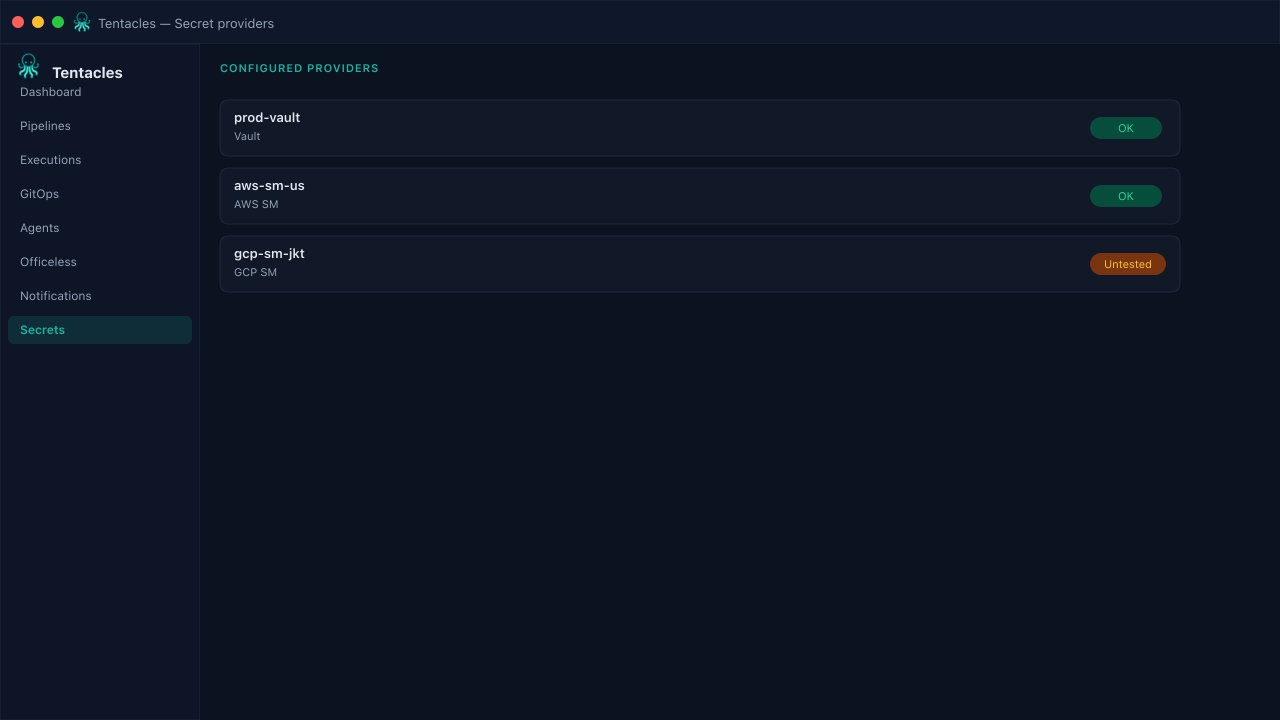
Illustrative preview of the secret providers screen in Tentacles
Before you start
- Network access from the agent to the secret backend
- Read credentials for the backend (Vault token, IAM role, etc.)
Step by step
- 1
Add a provider
From Secrets, choose a provider type and fill in its connection details — address and token for Vault, region for AWS SM, project for GCP SM, or a namespace for Kubernetes secrets.
- 2
Test the connection
Run Test against the provider before wiring it into a pipeline — a failed test here saves a failed execution later.
- 3
Reference it from a pipeline
Pipelines resolve secret values by provider name at run time; the console and audit log never see raw secret contents.
Tip: Scope providers per environment — a Dev Vault mount should not be reachable by a PRD agent.