
Pipeline templates
Turn a working DeploymentPipeline into a template once, then instantiate it under a new name whenever another service needs the same shape.
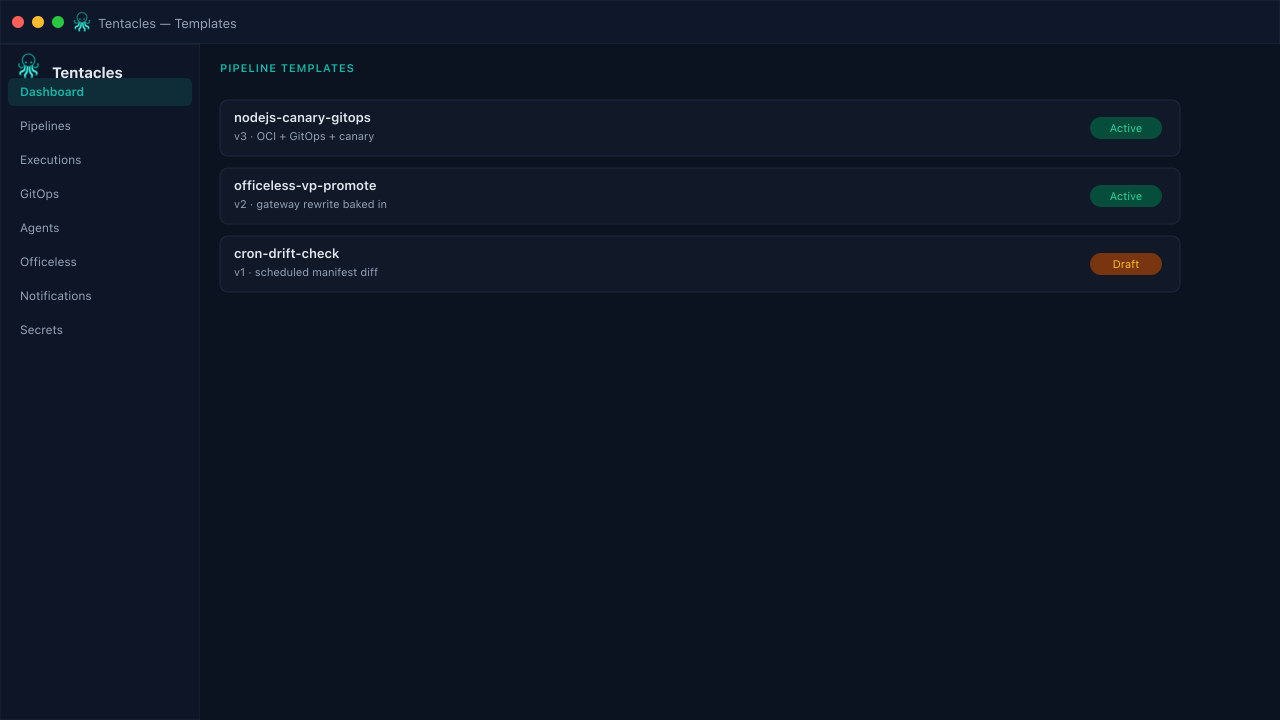
Illustrative preview of the pipeline templates screen in Tentacles
Before you start
- A pipeline definition you're happy to standardize on
Step by step
- 1
Create a template
Paste a full DeploymentPipeline JSON object as the starting point, or copy one from an existing pipeline.
- 2
Version it
Give the template a semantic version so downstream teams know when the shape changes.
- 3
Instantiate into a pipeline
Pick a template, name the new pipeline, and Tentacles creates it directly from the template's spec.
Tip: Keep one template per rollout strategy (rolling / canary / blue-green) rather than one giant configurable template.